





Single Dashboard Centralizes Tools, Tasks, And Data In One View
References: singledashboard
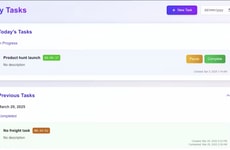
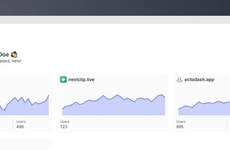
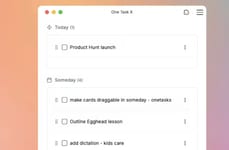
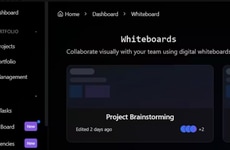
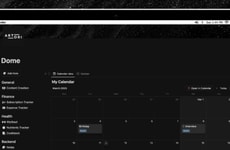
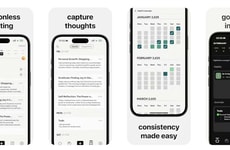
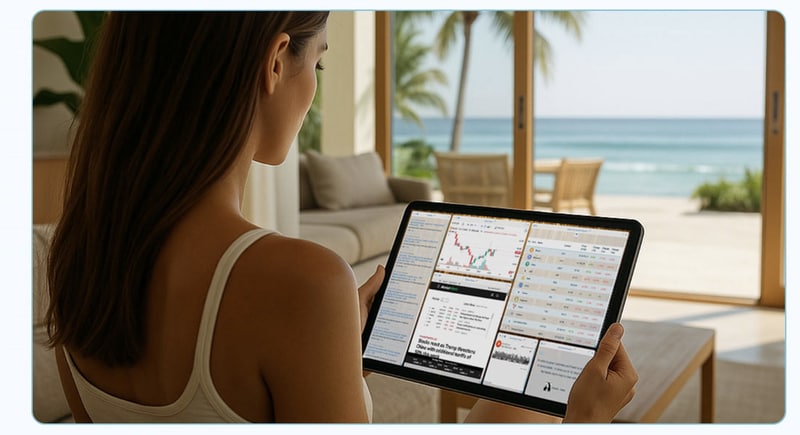
Single Dashboard is a customizable workspace designed to consolidate digital tools into a single visual interface. Users can drag and drop widgets such as calendars, task lists, financial trackers, news feeds, emails, and embedded applications onto a flexible canvas, creating a personalized command center.
The platform aims to reduce tab overload by allowing multiple workflows to be viewed and managed simultaneously across devices and browsers. From a business perspective, centralized dashboards address a growing challenge in modern work environments: fragmented productivity systems spread across numerous applications. By enabling users to design layouts that match individual workflows, tools like Single Dashboard support efficiency, visibility, and faster decision-making. The ability to save configurations also encourages repeatable processes, making it relevant for professionals managing complex responsibilities, distributed teams, or multi-platform digital operations.
Image Credit: Single Dashboard
The platform aims to reduce tab overload by allowing multiple workflows to be viewed and managed simultaneously across devices and browsers. From a business perspective, centralized dashboards address a growing challenge in modern work environments: fragmented productivity systems spread across numerous applications. By enabling users to design layouts that match individual workflows, tools like Single Dashboard support efficiency, visibility, and faster decision-making. The ability to save configurations also encourages repeatable processes, making it relevant for professionals managing complex responsibilities, distributed teams, or multi-platform digital operations.
Image Credit: Single Dashboard
Modular Growth Gear
Parents are adopting modular youth gear that is adjustable, upgradeable, and serviceable to accommodate fast-growing athletes and reduce the need for full replacement cycles.
Question 1
Do you currently have any children under 18 who participate in organized or recreational sports?
Question 2
Have you ever purchased sports gear designed to adjust as your child grows?
Question 3
When your child outgrows a piece of sports gear, how much of a problem is having to replace it?
Question 4
What bothers you MOST about replacing outgrown gear?
Question 5
How likely would you be to choose sports gear that adjusts or upgrades as your child grows the next time you buy one?
Trend Themes
-
Unified Workspace Integration — A consolidated visual interface that aggregates disparate apps and data streams creates potential for platforms that replace multiple point solutions with a single operable layer.
-
Modular Widget Ecosystems — Composable drag-and-drop widgets enable marketplaces of interoperable micro-apps that can be mixed to tailor complex, role-specific command centers.
-
Persistent Cross-device State — Saved dashboard configurations synchronized across devices open opportunities for continuity features that preserve workflow context and reduce task-switching friction.
Industry Implications
-
Enterprise Saas — Centralized dashboards offer the basis for subscription platforms that bundle integrations, analytics, and workflow automation to supplant fragmented B2B stacks.
-
Financial Services — Real-time aggregation of portfolios, transaction feeds, and compliance alerts within a single view presents scope for solutions that streamline decision-making and risk monitoring.
-
Healthcare Operations — A unified interface combining schedules, patient records, and communication tools could transform coordination across clinics and care teams by reducing administrative overhead.
3.2
Score
Popularity
Activity
Freshness